How to Make a Logo Design: Free Options, Tools, and Next Steps
Learn how to make a logo design for free using Word, mobile, Photoshop, or Illustrator. Includes tips on inspiration, practice, and quoting.
Start here: make a logo design that fits your brand
If you want to know how can i make logo design, begin with a simple goal: a mark that matches your brand and looks good at small sizes. A great logo should stay clear on a phone screen, a favicon, and a printed label. You do not need pro software to start, either. You can draft ideas, test colors, and refine shapes with free tools first.
Write down three brand facts before you draw anything. One is your audience. Another is your main promise. The last is your style vibe, like “friendly and modern” or “bold and technical.” This is what guides how to make a logo design free without guessing.
Then set one constraint. Choose a 2-3 color palette and a single type style direction. Many people learn how to make logo design by making choices that are too open. Tight limits make the design faster and more consistent.
- Pick one audience and one promise.
- Choose a vibe and a simple palette.
- Target clarity at small sizes.
How to get inspiration for logo design (without copying)
Good inspiration is structured, not random. Search for logos in your space and take notes on patterns. Look at shape families, like circles, shields, or geometric blocks. Then note the spacing and line weight. This helps with how to get better at logo design because you learn from repeatable design decisions.
Use a mood board, but keep it small. Collect 10 examples max for your first round. After that, write what you like about each one in plain words. Examples: “soft curves,” “high contrast,” or “compact layout.” This is how you turn inspiration into rules you can apply.
Also study your competitors for context. Do not copy their exact symbol, but do pick up the industry logic. For example, cafés often look warm and rounded. Tech brands may lean to sharp lines. If you mismatch too hard, customers may misread you.
- Collect 10 logo examples in your niche.
- Write 1 strength per example in your own words.
- Turn strengths into 3 design rules for yourself.
- Sketch 3 concepts using those rules.
Make your own logo design for free with common tools
If you are figuring out how do i make my own logo design, start where you already have access. Many brands begin with a quick draft in a tool like Microsoft Word or a mobile app. This is not about producing a final master file. It is about proving your direction before you spend time polishing.
For Microsoft Word, the key is using shapes, spacing, and text styling. Start a new document. Add a circle or rounded rectangle using Shapes. Type your brand name, then adjust font weight and tracking. Group elements so the logo stays together when you move it. When people ask how to make a logo design in microsoft word, this workflow is usually the fastest.
For mobile, you can sketch and design, then refine later on a desktop. Use an app that supports vector-like shapes or clean layers. Make your first mark as simple as possible. One icon plus your name works best for early drafts.
For “logo design how to” on free paths, you will also need a basic file plan. Export a PNG for sharing. Keep your working file so you can edit later. If your tool exports SVG, use it because it scales without blur.
Microsoft Word: a quick draft you can improve
Microsoft Word works well for simple icon + text logos. Use two fonts max. Choose one as the main name font and one for a short descriptor, if needed. Align your icon to the left of the name or above it. Keep the design balanced. This is how to make logo design in computer-friendly tools when you want speed.
When you build the icon with shapes, use consistent stroke or fill. Avoid thin outlines that vanish at small sizes. After you finish, zoom out to 25 percent. If it turns into a blur, make shapes bigger and reduce tiny details. This is a practical test people skip.
- Use Shapes for the icon and keep it simple.
- Limit to two fonts and consistent sizing.
- Zoom out and test small readability.
Mobile: draft fast, then refine on desktop
If you want how to make logo design in mobile, focus on layout and color first. Draw one icon concept and one name layout. Choose one color theme. Avoid complex gradients in your first attempt. Simple flat colors look better when you export as PNG.
Once you like the direction, recreate it on a desktop tool for better control. Mobile designs often become messy when you try to export crisp vector assets. Think of mobile as your sketchbook, not your final production file.
How to make logo design in Adobe Illustrator or Photoshop
When you want control, learn how to make logo design in adobe illustrator or how to make logo design in adobe photoshop. Illustrator is best for vector marks and clean scaling. Photoshop is best for pixel-based textures and mockups. For most brand marks, vector work wins because it stays sharp.
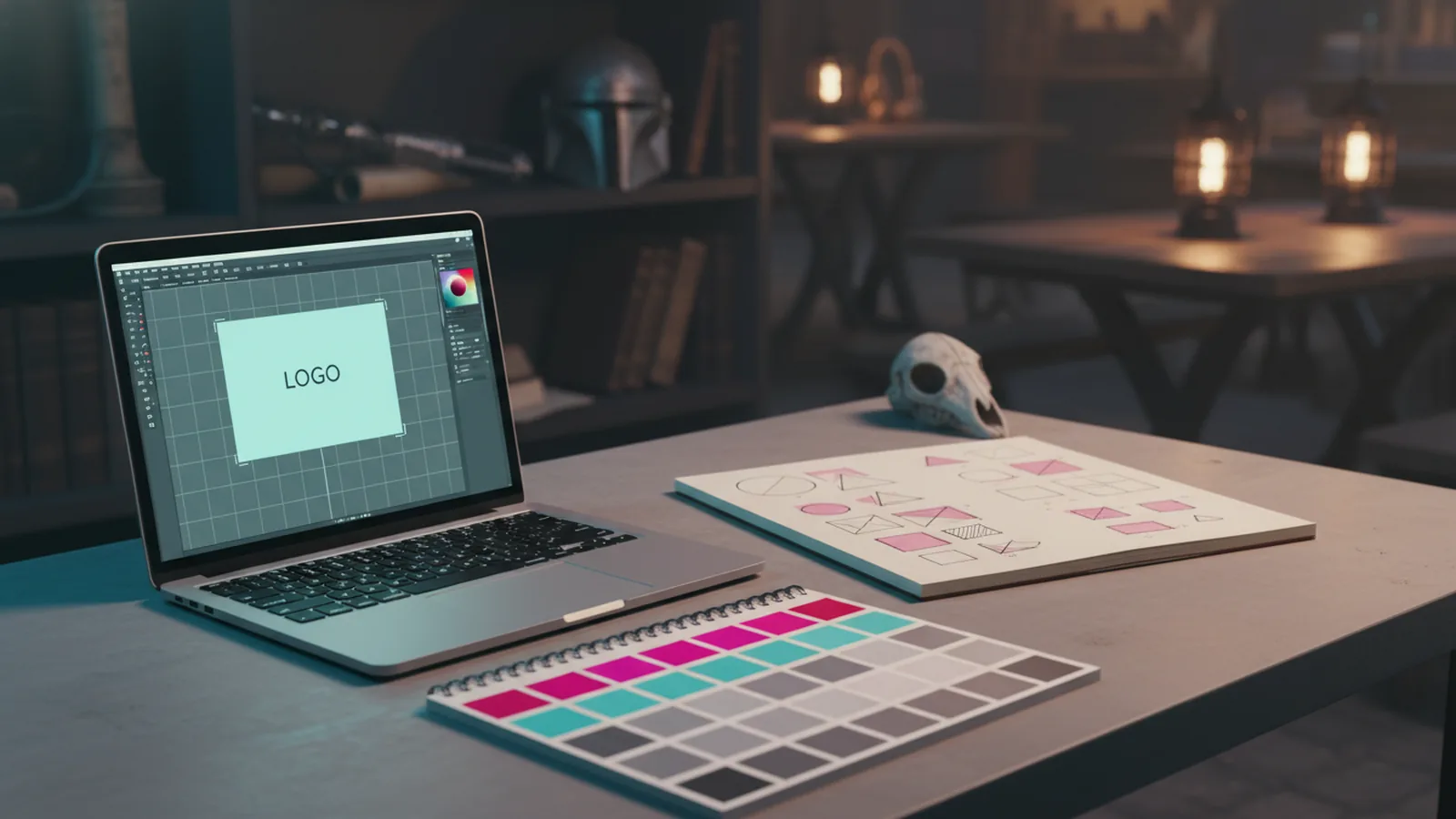
If you want how to make a logo design in adobe illustrator, start with a document at an artboard size you can reuse. Keep a grid on. Draw your icon with basic shapes first. Then refine edges with curves. Add type using a clean font and align it with your icon.
Illustrator also helps you prepare delivery files. Save an editable source file. Export a transparent PNG. Export an SVG if you need crisp scaling. This is how to make logo design for free with pro-level results, even if you use trial time.
For how to make logo design in adobe photoshop, begin by building a simple layered file. Create solid color layers for the icon. Use vector shape layers if available. Add text on its own layer. Keep layers named so you can edit quickly later. Photoshop is great when you need a poster-ready variation. But for a brand kit, vector export still matters.
Practical choices that make logos look “finished”
Many people ask how to make a great logo, but they only think about the icon. The finish also comes from spacing and alignment. Use consistent margins around the icon. Make sure the visual weight of the icon matches the weight of the text.
Check contrast in grayscale. If your logo fails in black and white, it may fail in real life too. Also test it on a dark and a light background. This prevents awkward surprises when you use your mark in emails or on packaging.
| Logo check | What to look for | Quick fix |
|---|---|---|
| Small size | Icon stays readable | Increase icon and simplify lines |
| Spacing | Text and icon feel balanced | Align centers or baselines |
| Grayscale | Enough contrast | Change color pair or weights |
| Backgrounds | Works on dark and light | Prepare one light and one dark version |
Make logo design for business: version plan and delivery
If you are learning how to make logo design for business, think in sets, not one image. A business needs a main logo and at least one supporting version. It also needs guidance on spacing and safe areas. This is how to make your own logo design for free and still deliver something usable.
Plan at least these versions. A horizontal lockup works for website headers. A stacked lockup works for social profiles. A monochrome version helps with stamps and invoices. You do not have to overdo it on your first logo job.
Also prepare a usage checklist. Where will you place the logo. What background colors do you use. What is your minimum display size. These answers reduce future redesigns.
- Main horizontal logo
- Stacked logo for small spaces
- One-color version
- Transparent background PNG
How to make name logo design that reads fast
For how to make name logo design, readability wins over flair. Choose a font that matches your brand vibe. Then adjust letter spacing so words do not feel cramped. If the name is long, consider an icon-only version for tight spaces.
Test the name at the size you will use most. For many businesses, that is the header or social avatar. If it is not readable there, it will not magically become readable later.
Quote, practice, and improve: what to do after you finish your first draft
If you already have a draft, you may ask “i have a logo design now what.” Next, polish the details and create your logo kit files. Export your versions. Check spacing. Also save an edit-ready master file. This is the step most beginners skip.
For how to quote for a logo design, the logic depends on who you are. If you are buying design help, ask what deliverables you will receive. If you are selling services, price your work by scope and revision count. Include timeline and file types. A clear quote reduces back-and-forth later.
Now focus on how to learn logo design so results improve over time. Practice daily with small exercises. Redraw logos you find interesting, then redo the spacing and color. Create 5 variations for one icon and compare them. This trains your eye for consistency.
- Redo one icon in 5 different styles.
- Redesign the same layout with new colors.
- Switch fonts but keep spacing rules.
- Export small-size tests and compare legibility.
If you want to how to make your own logo design for free, remember this: the first pass is a draft. The second pass is improvement. The third pass is a system you can reuse for new brands.
And if you ask how to make logo design, start simple. Pick one icon concept and one name layout. Then refine the pieces that affect readability and balance. That is the fastest path to a logo you can confidently use.
For what software for logo design, choose based on your goal. Illustrator for vector marks. Photoshop for mockups and texture. Word or mobile for quick drafting. Combine tools if you must. The key is keeping your files organized.
Quick answers to common decisions
- Can you make a logo design in computer tools only? Yes, start with Word or Illustrator.
- Should you make logo design in mobile first? Draft ideas, then rebuild on desktop.
- Can you make logo design free and still look pro? Yes, if you focus on spacing and contrast.
- How do you make logo design how to succeed? Use a small palette and test small sizes.
FAQ // open channel
- How do I make my own logo design for free?
- Draft with simple shapes in Word or a mobile app. Refine spacing and contrast, then recreate the best version in a vector tool when you can.
- What software for logo design should I use first?
- Start with what you can access now. Word or mobile helps you draft quickly, while Illustrator is best for scalable marks.
- How can i make logo design look professional if I am a beginner?
- Use limited colors, align elements carefully, and test at small sizes. Also check how the logo reads in black and white.
- What do I do after I have a logo design now what?
- Export multiple versions, save an editable master, and verify it on light and dark backgrounds. Keep a one-color version for stamps and invoices.
- How do I quote for a logo design as a freelancer or buyer?
- As a buyer, ask what deliverables and revision rounds are included. As a seller, price based on scope, timeline, and revision count, and list file types clearly.
- How to make name logo design that stays readable?
- Choose a font that matches your brand vibe, then adjust letter spacing and alignment. Test the name at your most common display size.