How to Create a 3D Logo: Simple, Stylish, and Animated
Learn how to create a 3D logo using tools like Canva, Illustrator, and After Effects. Includes a step-by-step workflow and animation tips.
Understanding 3D logo design and why it matters
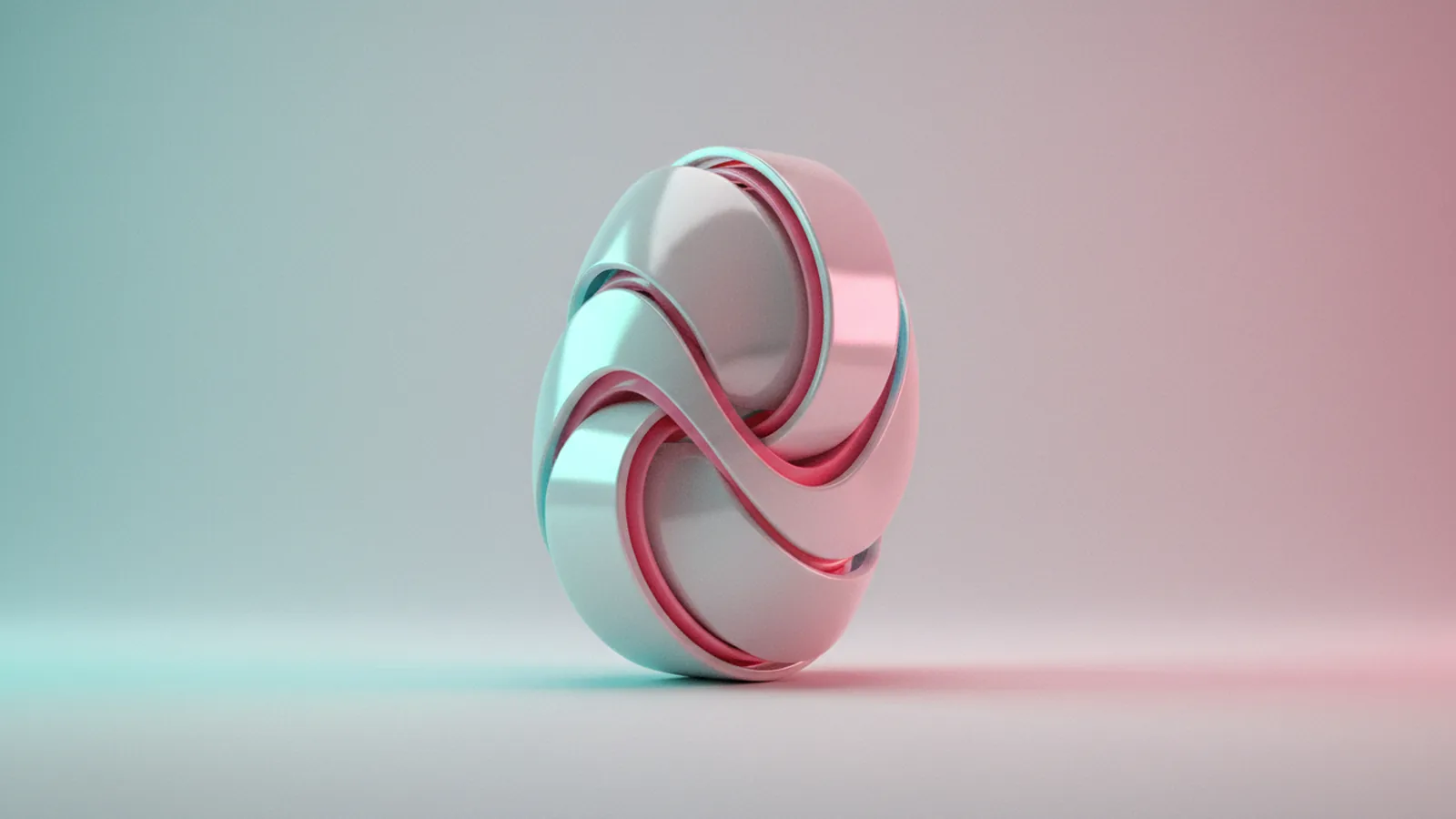
A 3D logo is a logo built with depth, shading, and perspective so it looks like a physical object. It still needs to read clearly at small sizes. It also must match your brand identity, not just look “cool.”
That depth helps the logo feel more tactile in ads, product pages, and video intros. Done well, a 3D logo can improve recall because people notice motion, lighting, and surface detail. It can also unify a brand across formats, since you can reuse the same design principles in multiple layouts.
There are two common styles you can aim for. A simple 3D look uses one main material and soft shadows. A more advanced style uses multiple layers, reflections, and camera moves for animated logos.
- Simple 3D logos: clean depth, minimal highlights, easy to scale.
- Animated logos: camera moves, rotating elements, or light sweeps.
- Brand identity fit: colors and typography stay consistent.
Tools for making 3D logos (and what each one is best at)
Different tools help you create 3D logo design in different ways. Some tools build depth from vector shapes. Others simulate materials and lighting. Some tools are best for motion after the design is ready.
If you want a fast path for a 3D logo design, start with 2D vector art first. Then you add depth through extrusion, layers, or effects. This approach keeps your logo readable and makes later animation easier.
Here are the main options people use today, and what they’re good for.
| Tool | Best for | Typical workflow |
|---|---|---|
| Illustrator | Vector graphics for logos and clean shapes | Build the logo as vectors, export layers or assets |
| Canva | Quick mockups and customizable logo templates | Start from templates, add effects, then export |
| After Effects | Logo animation techniques and realistic motion | Import assets, create depth, animate rotation and light |
For “how to create 3d logo online free” workflows, you can also find browser tools that mimic these effects. Still, the most controllable results usually come from Illustrator for vector work and After Effects for motion.
Step-by-step: how to create a basic 3D logo
Use this workflow to learn how to create a 3d logo without getting lost. The goal is a logo that looks 3D when placed on a background. It should also stay sharp when you scale it for web and video.
Before you start, pick your final format. If the logo is for a video intro, you’ll likely need transparent background exports. If it’s for a banner or web header, you can work with a solid background and export PNG.
1) Design the base logo as clean vectors
Start with a simple brand mark and typography. Create it as vector graphics. Use a limited set of colors so the 3D shading stays consistent. If you plan to animate, keep letters separated from the icon when possible.
2) Create the “depth” using offsets and layers
To build depth, duplicate the shape and offset it slightly. Then color the offset layer with a darker shade. This is the simplest form of extrusion. Repeat with one or two extra layers if you want stronger depth.
3) Add highlights and shadows
Lighting sells the illusion. Add a highlight layer on one side and a shadow on the opposite side. You can simulate this with gradients or carefully placed shapes. Keep highlights subtle so the logo still reads clearly.
4) Export assets you can reuse
If you want to animate later, export the parts you’ll move. For example, export the front face, the side face, and any background elements as separate layers when possible. This saves time when you build motion in After Effects.
- Build base shapes as vectors.
- Duplicate and offset for extrusion.
- Set dark side colors and soft shadows.
- Export layers for animation workflows.
Once you have a basic 3D logo, you can turn it into a 3D spinning logo by animating rotation and adding a moving light. You’ll do that in the next section.
Creating a 3D logo animation in After Effects
If your goal is how to create 3d logo animation that looks professional, After Effects is a great place to finish the motion. The key idea is to separate design from animation. Build depth first, then animate camera, rotation, and light.
Many people ask how to create 3d logo in after effects, and the best answer depends on how your logo assets are set up. If you exported layered elements, animation becomes easier. If you only exported one flattened image, you can still fake depth with effects.
Set up your project and import logo parts
Create a new composition with your target size. Import your exported logo layers. Arrange them in the layer stack so the “front” elements sit above the “side” elements. Name layers clearly so you can animate the right pieces.
Make the rotation feel real
Use a simple rotation to start. Then add slight movement to the camera for depth. Even a small zoom-in can make an animated logo feel more dimensional.
Add the “light” that sells the 3D look
A rotating highlight is one of the fastest ways to make a logo look 3D while spinning. You can animate a gradient or a light-shaped overlay across the surface. Keep the light motion smooth and slow at first.
How to create 3d spinning logo motion
Try this setup for a clean spin. Rotate around the center point, add an easing curve, and avoid sudden direction changes. Then align your highlight to the rotation speed so it stays believable.
- Rotation: animate Y rotation for a side-to-side spin.
- Easing: use smooth ease-in and ease-out for fewer jitters.
- Highlight: animate a mask or gradient position.
- Shadow: add a soft shadow that shifts with the move.
If you want how to make 3d spinning logo that looks polished, don’t overdo the speed. A 2–4 second spin usually feels intentional in social video formats. For a longer loop, add a slight pause at the start or end.
Practical design tips for effective 3D logo results
Design choices matter more than the tool. Color theory in design and typography decisions will affect whether the logo looks premium or messy. A 3D business logo also needs to stay recognizable across use cases.
Start with a color palette that supports shading. Pick a base color and define a darker shade for sides. Then pick a lighter shade for highlights. This approach keeps the material consistent, even when you animate.
Choose colors that support depth
High-contrast palettes can look great in motion. Still, avoid extreme brightness on all sides. If highlights are too strong, the logo can wash out on light backgrounds.
Use typography that stays legible
Rounded fonts often look good in depth because their surfaces catch light smoothly. If you use thin strokes, reduce the number of layers. You want readable edges, not tiny details that disappear when scaled down.
Keep the geometry simple
A 3D logo should not require a lot of tiny shapes. Complex micro-details look good only at large sizes. For a brand identity that works everywhere, keep forms bold.
Match the material to the brand
Metal, plastic, and glass each need different highlight behavior. Matte materials need softer highlights. Glossy materials need sharper reflections and more contrast. Pick one “material language” and stick to it.
| Material look | Highlight style | Shadow style |
|---|---|---|
| Matte | Soft, wide highlight | Low-contrast shadow |
| Gloss | Narrow highlight, sharper edge | More contrast near edges |
| Glass | Light blur and gentle refraction | Subtle layered shadow |
When you’re ready to create 3D logo in illustrator or create 3D logo in canva, use these tips to guide your shading choices. For animations, keep the highlight and shadow motion in sync. That’s what makes the viewer believe the logo has depth.
How to create 3D logos in Canva and Illustrator (quick paths)
If you’re wondering how to create 3d logo in canva, focus on speed and reusable building blocks. Start with a template that already matches your brand colors. Then adjust the shapes and apply depth-like effects. Export the result in a format that keeps your edges clean.
For how to create 3d logo in illustrator, work with vector graphics for logos first. Build your mark in vectors, then create depth using offsets and layered shading. This route is best when you want sharp results and easy scaling. It’s also a strong foundation if you later animate in After Effects.
Photoshop can help too, but it’s often better as a polishing tool. You can create 3d logo in photoshop by adding texture, refining shadows, or creating a soft background plate. Still, keep the core logo as vectors whenever you can.
- Canva path: fast mockups, templates, quick depth effects.
- Illustrator path: vectors, offsets, precise shading layers.
- After Effects path: motion, rotating highlights, shadow control.
If you’re looking to create 3D logo online free, pick a tool you can export from. Then build your animation using the assets you export. That saves time and avoids blurry results.
Quick FAQ: common questions about 3D logo creation
How to create a 3d logo for a business?
Start with a simple mark and clean typography. Build one consistent color palette for base, sides, and highlights. Then export in transparent PNG for flexible placement.
What’s the easiest way to make a 3D spinning logo?
Use a layered logo export and rotate the layers around the center. Add a moving highlight to imply the light source. Keep the spin around 2–4 seconds for social-friendly loops.
How to create 3d logo in after effects without 3D assets?
You can fake depth with masks, gradients, and shadow overlays. Animate a highlight sweep and a soft shadow shift. This works well for text-heavy logos.
Can I create a 3d logo online and still animate it?
Yes, if you can export layered or at least high-quality edges. Import your exports into After Effects. Then build the motion with rotation and highlight overlays.
How to create 3d logo animation that looks smooth?
Use easing curves on rotation and keep motion speed consistent. Avoid sudden camera changes. Add subtle light motion and let the shadows lag slightly for realism.
FAQ // open channel
- How to create a 3D logo for a brand identity?
- Start with vectors and a limited color palette. Add depth with side layers and controlled highlights. Export clean assets so the logo stays consistent across formats.
- What is the easiest way to create 3D logo animation?
- Animate rotation and a moving highlight in After Effects. Use easing on motion to avoid jitter. Add a soft shadow that shifts with the rotation.
- How to create 3D logo in After Effects with layered artwork?
- Import the front and side layers, then arrange them in the correct stack. Rotate around the center and animate a highlight overlay. Finish with a shadow pass for realism.
- How to create 3D logo in Canva?
- Use a compatible template, then apply depth-like effects and adjust colors. Export the result in high quality so edges stay sharp. For best results, keep shapes simple.
- How to create 3D logo in Illustrator?
- Draw the logo as vectors, then duplicate and offset shapes for extrusion. Add highlight and shadow layers using consistent color shades. Export assets for later animation if needed.
- Can I make a 3D spinning logo without real 3D modeling?
- Yes. You can fake depth using layered graphics, masks, and gradients. In After Effects, combine rotation with a sweeping highlight and soft shadow shift.