What Is a Sonic Logo, and How to Make One
Learn what is a sonic logo and how to make a sonic logo. Get practical steps, timing tips, and testing methods for real brand recall.
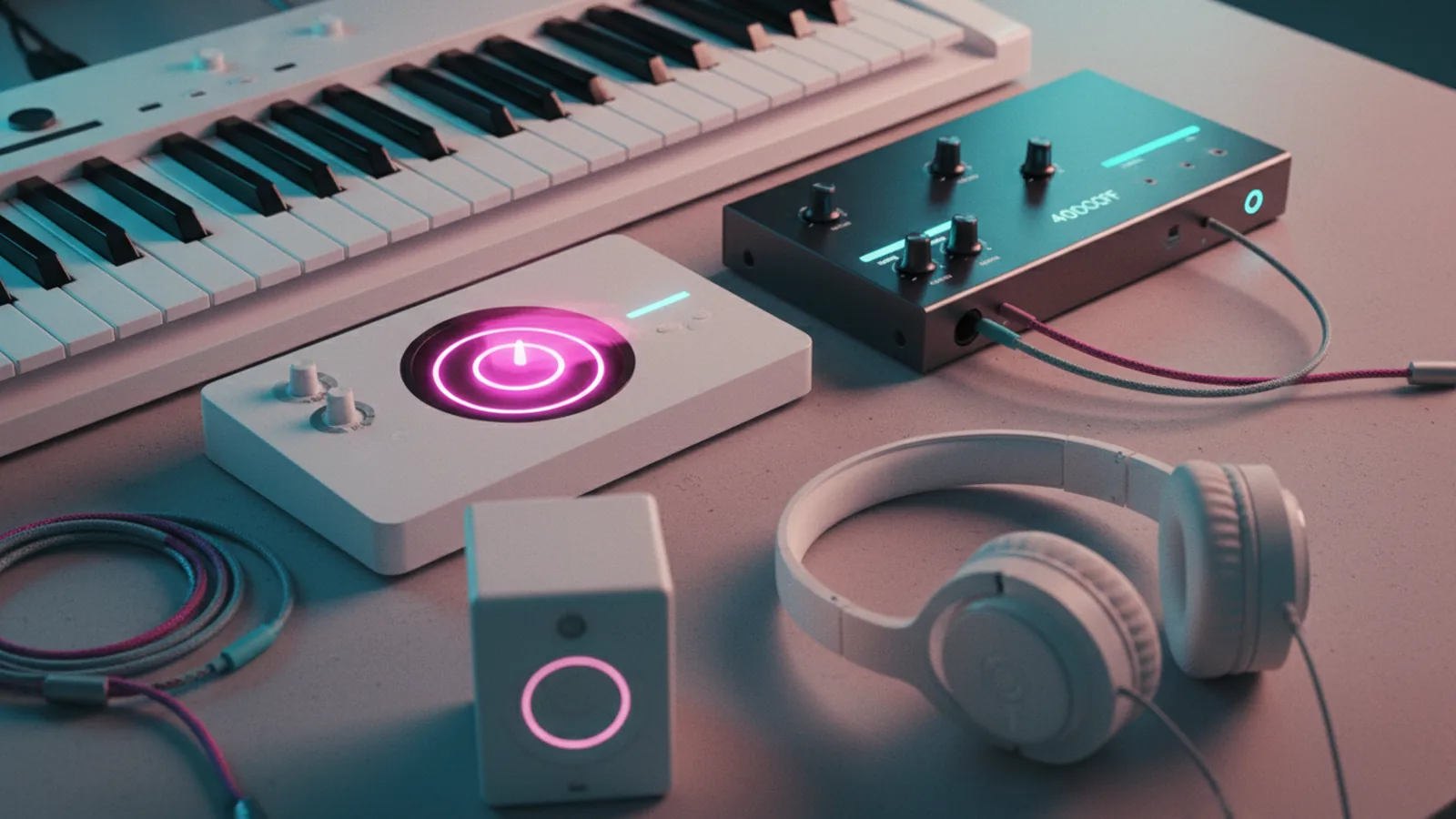
What a sonic logo is and why it works
A sonic logo is a short, brand-owned sound that people recognize the same way they recognize a visual logo. It can play in ads, apps, videos, or even during a call hold state. Done well, it helps people remember your brand faster and feel a consistent mood.
What is a sonic logo in practice? It is a deliberately designed audio “signature” with a clear start, a clear ending, and a repeatable pattern. A few key traits matter: it should be easy to hear in noisy places and easy to identify on first listen. The goal is not to create a jingle that you sing. The goal is to create a sound cue that sticks.
For many brands, a sonic logo becomes a system element. It can signal “brand is here” without needing visuals. That matters because people often hear audio before they see a screen. Strong sound design also helps in accessibility contexts, like audio-only onboarding or screen reader experiences.
Core rules for designing a sonic logo that people can recognize
Before you open a DAW, set design limits. A usable sonic logo usually lasts about 1 to 2 seconds. That is long enough for a person to notice a pitch pattern, but short enough for repeated use. If you go past 3 seconds, recall often drops because attention fades.
Next, design for clarity on cheap speakers. Test rough mixes on a phone speaker and a basic laptop. If the logo sounds muddy there, it will fail on car audio and earbuds too. Use a narrow frequency range for the main tone. Keep the low end light so it does not disappear.
Also decide where the logo will “sit” in a mix. For UI sounds, you often need it to cut through. For brand videos, you need it to blend without being masked. You can build both versions, but start with one mastering target.
- Duration: aim for 1–2 seconds
- Repeatability: the pattern should sound the same after 3 listens
- Uniqueness: avoid generic beeps used by many apps
- Compatibility: sound should survive phone speakers
- Consistency: keep it stable across devices and volumes
How to make a sonic logo: a practical workflow from idea to master
If you are asking how to make sonic logo from scratch, start with a concept and a musical reference. Pick two or three brand traits you want the sound to feel like. Examples include “calm and steady,” “fast and precise,” or “friendly and warm.” Then choose one musical idea that matches the energy.
Here is a workflow that keeps the process efficient. Step one is to build three short sketches, each under 2 seconds. Use simple tools: one synth tone, one short percussive layer, and light noise or air. If you try to perfect sound design immediately, you get stuck in details before you have the right shape.
Step two is to refine rhythm and pitch first. Humans recognize melodies and timing cues more reliably than complex textures. Move the attack earlier if it feels late. Shorten the tail if it blurs after repeated plays. When the logo feels right, only then add subtle texture.
Step three is to export working versions in common formats. Keep a “demo” master for listening tests and a “production” master for deployment. For UI use, loudness consistency matters. If you have access to loudness metering, target consistent perceived loudness across your existing sound effects.
Suggested production checklist for the build
- Sketch 3 ideas: each 0.8–2.0 seconds, one main tone plus a light layer
- Pick the best one: choose the sketch that stays clear on phone speaker playback
- Refine pitch: adjust intervals so the hook is obvious in under one second
- Refine envelope: tighten attack and reduce sustain for a crisp finish
- Add texture carefully: one subtle layer, not multiple conflicting elements
- Create variants: a UI-safe version and a video-ready version if needed
- Export: keep WAV for mastering and compressed formats for quick review
When you repeat how to make sonic logo steps like this, you keep momentum. You also reduce rework because you test early. That is the difference between a clever sound and a usable brand cue.
Sound design details that make your logo feel premium
Premium sonic logos tend to sound intentional, not accidental. One big lever is the “transient,” the first 50 to 150 milliseconds. If the transient is sharp and stable, people notice the sound even when audio quality is limited. Use automation to avoid a click at the start. If you hear harshness, soften the top end rather than changing the whole tone.
Another lever is harmonics. A single sine wave often sounds cheap. Add harmonics with a synth that has controlled overtones. Keep detune small. Large detune can sound like a chorus effect and may confuse recognition. If you want depth, use a second layer with a low volume and a similar pitch relationship.
Timing matters too. Many brands like a “tap then resolve” feel. That means the first hit is short, followed by a stable note that ends cleanly. Use a short reverb or none at all for UI contexts. For video, you can add space, but keep the dry signal dominant.
Finally, consider key and contour. You do not need to pick a music theory textbook key. You need a pitch contour that sounds like a signature. For example, a rising tone followed by a short drop can feel like “welcome.” A steady tone can feel like “reliability.” Test whether the contour still reads the same at different playback speeds.
Testing and choosing the final sonic logo
Once you have a few strong candidates, test recognition with real listening sessions. Do not rely only on your own team’s taste. Set up a simple comparison: play candidate A, B, and C in random order. Then ask listeners a single question, such as “Which one feels most like the brand?” This avoids vague, hard-to-score feedback.
For a tighter test, use a recognition task. Show no visuals. Play the sonic logo, then ask them to pick which brand it matches from a short list. If you can, include a “control” sound that is intentionally generic. A sonic logo should outperform the control, even with brief exposure.
Also test at real loudness levels. Your audience will hear it at different volumes. Try it at 30%, 50%, and 80% device volume on multiple speakers. If the logo gets louder but less clear, you need to adjust the EQ or transient. Clarity beats loudness.
- Recognition: can people pick the right brand cue quickly?
- Consistency: does it sound stable across devices?
- Distinctness: does it avoid sounding like common UI beeps?
- Comfort: do people tolerate it after repeated plays?
When you decide what is the sonic logo for your brand, pick the one with the best “first second” performance. That usually means the hook lands immediately. If it only becomes clear at the end, recall suffers in real product moments.
Implementation tips: where to use it and how to keep it consistent
Decide on use cases before final delivery. Typical placements include app launch, payment confirmations, marketing video bumpers, and customer support prompts. For each placement, confirm the sonic logo does not clash with existing sound effects. If it is used alongside speech, keep it shorter and less dominant.
Consistency is mostly an engineering problem. Use the same export settings for each platform so pitch and timing do not drift. If you play it in web contexts, confirm playback behavior on different browsers and mobile devices. If you have a UI sound system, map the sonic logo to a dedicated channel with a predictable loudness target.
Plan a small release strategy. Start with one primary placement for one month. Then measure whether the sonic cue feels helpful or annoying in user sessions. If you get feedback, do not rewrite from scratch. Usually you can make a better match by adjusting envelope, loudness, or mix balance.
Also keep a versioning record. Save the source session file and export settings. That way, when you later ask how to make sonic logo versions for a new product mode, you can reuse the same harmonic design without drifting away.
Common mistakes to avoid when you make a sonic logo
One common mistake is building a logo that depends on complex, high-detail audio. If the design needs high bandwidth to sound good, it will fail on many devices. Another mistake is making it too long. People do not wait through a slow build when they want a quick brand signal.
Another issue is generic sound selection. If your “signature” resembles standard alert tones, listeners will confuse it with existing apps. Uniqueness does not mean weirdness. It means a specific pattern, a specific timing, and a controlled tonal identity.
Finally, do not treat “quality” as the only goal. A super polished logo can still be unrecognizable. Recognition is about perception, not gear. Test with listeners on multiple speakers. Then iterate using their results.
Quick summary: your next step
Start by defining what is a sonic logo for your brand. Then set tight limits: 1–2 seconds, clear transient, and stable pitch contour. From there, how to make a sonic logo becomes a repeatable workflow: sketch three ideas, refine rhythm and pitch, export variants, and test recognition.
If you follow that path, you will end with a sound cue that people can learn. And you will avoid wasting time on the final master before the concept is right.
FAQ // open channel
- What is a sonic logo?
- A sonic logo is a short, brand-owned sound that people recognize on repeated exposure. It acts like an audio signature in videos, apps, and customer touchpoints.
- How to make a sonic logo for an app?
- Start with 1–2 seconds of clear pitch and a crisp transient. Export a UI-safe master and test it at typical device volumes on phone speakers.
- How long should a sonic logo be?
- Most sonic logos work best at about 1 to 2 seconds. Longer sounds tend to reduce recognition and feel harder to place in UI moments.
- What should a sonic logo sound like?
- It should feel intentional and distinct, with a recognizable pitch contour. Avoid generic alert tones and keep the mix clear on low-end speakers.
- How do you test whether people recognize your sonic logo?
- Run a blind test by playing candidates in random order and asking for brand match or preference. Also test clarity at 30%, 50%, and 80% device volume.
- Can a sonic logo have multiple versions?
- Yes. Many brands ship a UI-safe version and a video-ready version with different mix balance. Keep the core pitch and timing consistent across versions.